

Capability and effect
Research, reading, calculations and draft preparation do not need a separate approval at every step. They still operate within company access and supported capabilities. Approval belongs at the consequential effect, such as changing a store or sending a customer-facing reply. This gives you room to investigate without turning an investigation into permission to publish or spend. A natural-language request does not remove the review boundary.Decisions need context
A useful review shows the intended operation, affected records, exact proposed change, relevant risk and supported reversal information. Approve the version you inspected. Read the receipt afterwards to distinguish completion from partial or uncertain work.Evidence needs labels
A source observation, a forecast and an estimated saving are different kinds of information. A screenshot of a demo workspace is illustrative. A provider change needs a completed result; a merchant outcome needs its own measurement. These docs use examples to explain workflows. Example figures and screenshots are not evidence of a customer result, and a documented capability does not guarantee it is enabled for every account.Check the current agreement
The legal terms and privacy information supplied with your enabled account govern that service. This page explains the product model; it is not a certification claim, a service-level agreement or a promise that every operation can be undone. For personal-data questions, use the applicable privacy process and avoid sending secrets or raw customer records in a general support message.Check the controls for one job
Start with the company and the source. A request about one store should not silently use another company’s records. Then ask what Kina read and what it prepared. A draft can be useful without authorising an external change. Before a consequential change, inspect the specific Action. Check the target, every affected field, supporting evidence, the deciding person’s authority and the provider’s current permission. A valid login, a connected service and an approval solve different parts of this path; none proves the operation completed.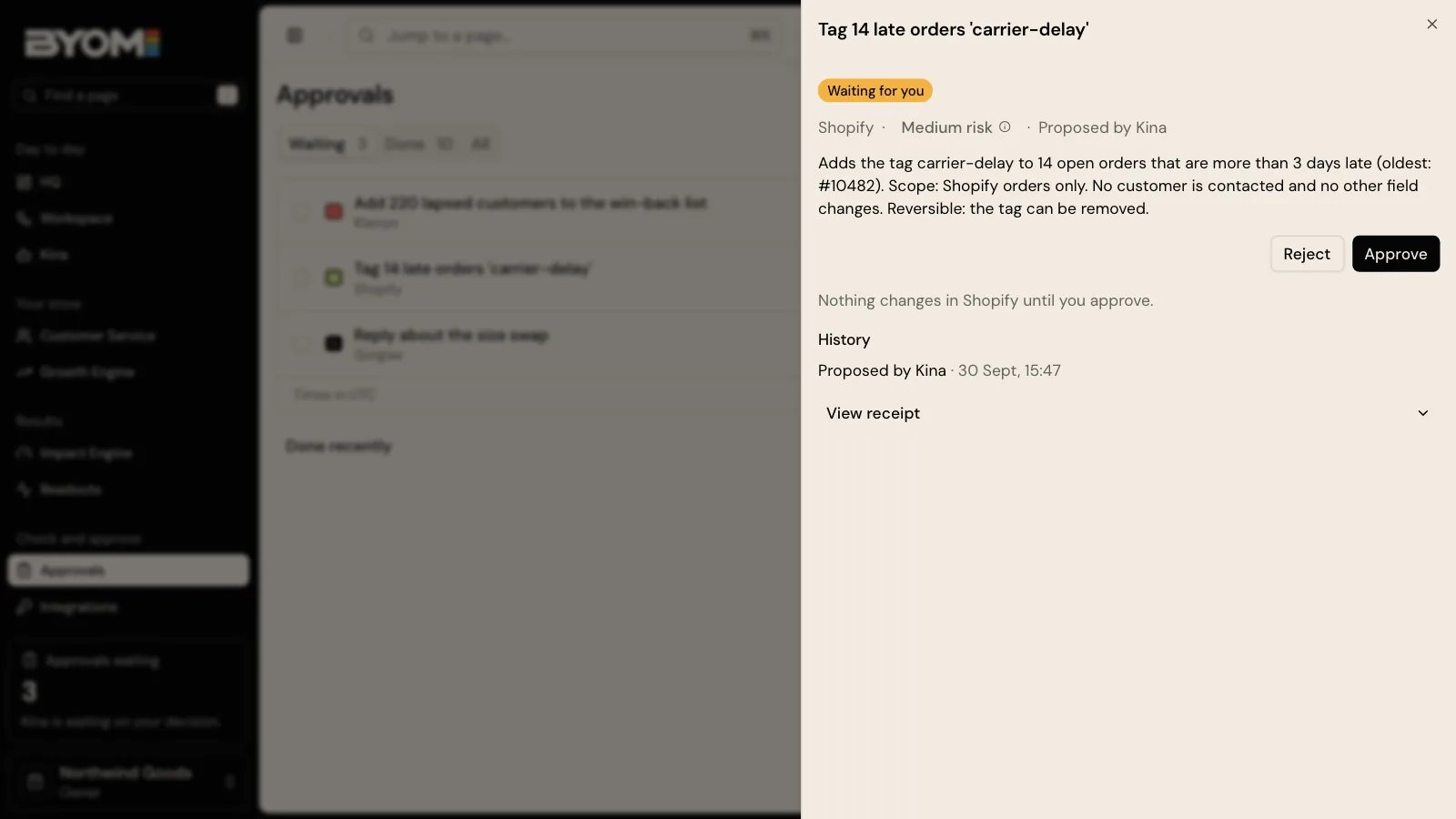
Illustrative demo Action. The order counts and tag are example data, not a live merchant transaction.