

Know the work.
Make the call.
Your guide to working with Kina, the AI operator in BYOM. From the first question to the change you approve.
You stay in control.
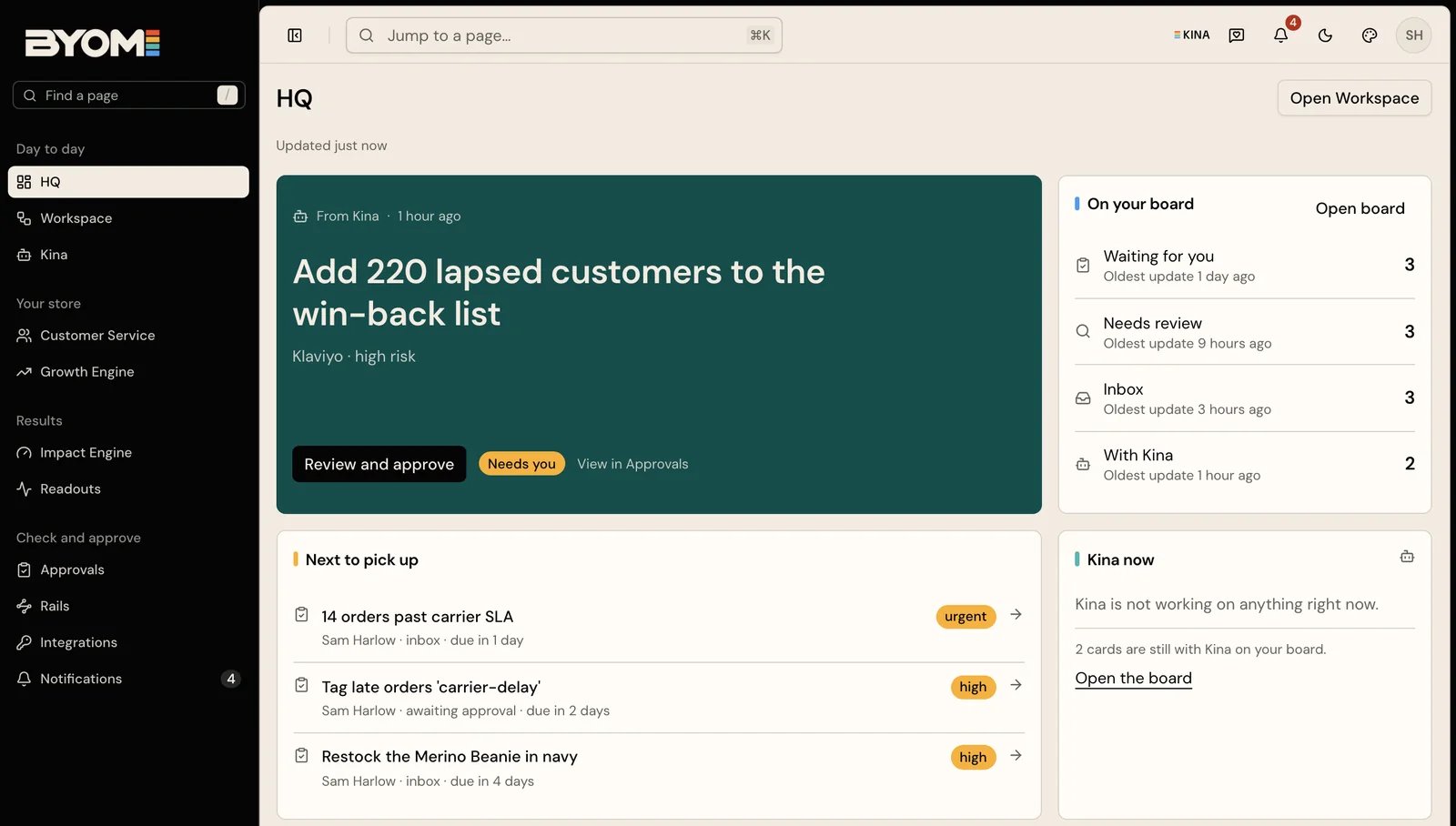
Product image: demo workspace, illustrative. Examples are not customer results.
What brings you here?
I’m getting to know BYOM
What it does, how Kina fits in, and where your existing tools belong.
I want to get some work done
Connect the right source, ask a useful question and review the result.
I need to understand the controls
What needs approval, what a receipt tells you, and when undo is available.
I’m connecting an AI assistant
The Shopify connector, MCP, consent and the boundary between a proposal and a write.
The work has a trail.
A product-content change is one example of how BYOM brings the evidence, the decision and the result together.
- 01
Ask Kina
Give it the job and the context. It reads the sources your account can access.
- 02
Check the work
Follow the evidence. Read the proposed change and what it will affect.
- 03
Make the call
An authorised person reviews the Action before the approved change is sent.
- 04
Read the receipt
Check what happened. Use undo when the operation supports it.
See how it fits together.
Kina
Ask questions, develop a brief and prepare the next piece of work.
YOUR WORKHQ & Workspace
See what needs attention, open the job and follow its progress.
YOUR EVIDENCEReadouts
Questions answered with the figures and sources behind them.
YOUR TOOLSIntegrations
Understand access, supported operations and connection health.
YOUR CONTEXTBrand Memory
Keep useful brand knowledge grounded in its source.
YOUR REPEAT WORKRails
Understand recurring jobs, checkpoints and their current limits.
One useful question.
One clear next step.
Your first session Checking whether BYOM fits your team? Talk to us.